Entry of
Home electronics: how to choose and keep it
A practical guide to buying, connecting and repairing home electronics, from TV panels and HDMI cables to headphones, turntables and power use.
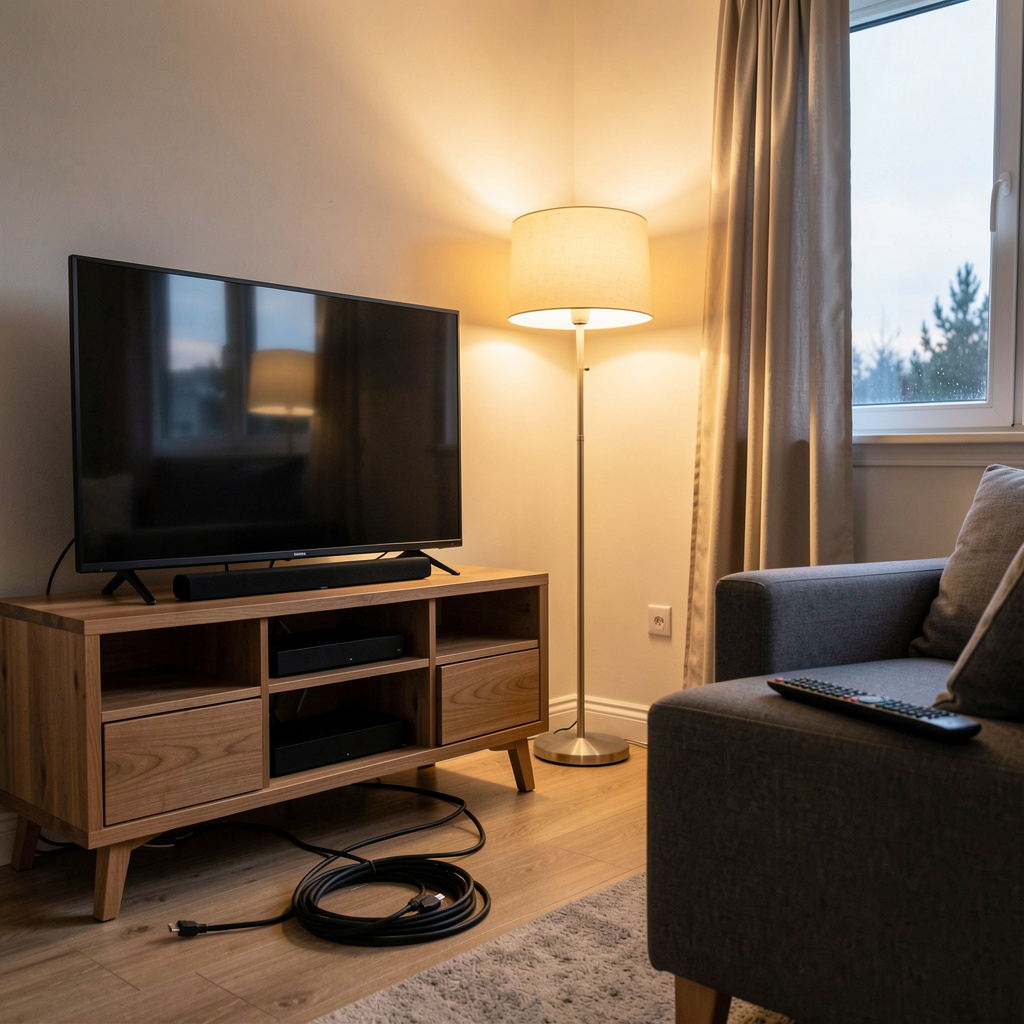
Home electronics reward a slow decision more than a fast one. The useful questions are what you will actually watch or hear, which connections the room can support, and how many watts the device draws over a year. A buyer who answers those three things first usually spends less and keeps the equipment longer.
What to measure before you pay
A television is sold by diagonal, but the room is measured in viewing distance. Sit where you normally sit, measure to the wall, and divide by roughly 1.6 for a mixed-use screen and by 1.2 for a cinema-style setup. That number gives the diagonal in inches that will not feel oversized after a week.
Three other figures matter at the till. The energy label gives annual consumption in kWh, which is the number to multiply by your local tariff. The refresh rate, expressed in hertz, tells you how the panel handles motion, and 60 Hz is enough for series and news while 120 Hz helps with sport and games. The number of HDMI inputs decides how many devices can stay plugged in at once, so count the console, the streaming stick and the soundbar before choosing a model.
Anyone who wants a structured method for these decisions can follow an independent guide to home electronics, which walks through the same measurements and labels in numbered sections. The order matters: distance first, then panel, then ports, then price.
How do the different screen panels work?
Every flat panel makes light in one of two ways. An LCD screen uses a backlight behind a layer of liquid crystals, and the crystals open or close to let that light through coloured filters. An OLED screen has no backlight at all: each pixel emits its own light and can switch off completely, which is why black areas look truly black.
The practical consequences are simple. LCD panels, in their LED-backlit forms, tend to be brighter and cheaper at large sizes, which suits a sunny living room. OLED panels offer deeper contrast and wider viewing angles, which suits a dark room and film watching. Both types lose brightness over many years, and neither is damaged by being switched off at the wall.
Frequency works alongside the panel. A 60 Hz screen refreshes the image sixty times a second, and a 120 Hz screen does it twice as often, which reduces blur on fast movement. Most broadcast material arrives at 50 or 60 frames per second, so the higher figure helps mainly with games and sport.
Calibrating a new television in ten minutes
Factory settings are tuned for a showroom, not a living room. Switch the picture mode from Vivid or Dynamic to Cinema or Filmmaker, which lowers colour temperature and removes most artificial sharpening. Turn off motion smoothing, often labelled as a soap opera effect, unless you watch a lot of sport. Set the backlight or OLED brightness to a level that looks comfortable at night, then raise it slightly for daytime viewing. Leave contrast and colour at their default values in the cinema mode, since those are usually close to the reference. Finally, check that the aspect ratio is set to the original format rather than a stretched one, so faces keep their proportions.
Which cables and ports actually matter?
HDMI carries video and audio on one cable, and the version printed on the packaging describes its bandwidth rather than a picture quality. A standard HDMI cable handles 1080p and most 4K at 60 Hz. A high-speed or ultra-high-speed cable is needed for 4K at 120 Hz and for 8K, because those signals carry far more data per second.
ARC and eARC are audio return channels. ARC sends sound from the television to a soundbar over the same HDMI cable, and eARC adds bandwidth for uncompressed formats such as Dolby TrueHD. The cable must be plugged into the port marked ARC or eARC on both devices, and the feature must be switched on in the television menu. If no sound arrives, the usual causes are the wrong port, a legacy cable, or a setting that has reverted after a firmware update.
Cable categories are certified by testing, not by price. A short certified cable performs the same as a long certified cable of the same category, and gold plating does not change the digital signal. Length is the real variable: passive cables work well up to about five metres, and longer runs need an active or optical design.
How much power does a device really use?
Power is measured in watts, and the bill is measured in kilowatt hours. One kilowatt hour is a thousand watts running for one hour. A modern 55-inch television draws roughly 60 to 100 watts in normal use, so four hours a day for a year comes to somewhere between 90 and 150 kWh. A soundbar adds 20 to 50 watts while playing. A games console can draw 150 watts or more under load, and a laptop charger typically 45 to 65 watts.
Standby consumption is smaller but not zero. Many devices draw between 0.3 and 2 watts when switched off with the remote, which over a year adds up to a few kilowatt hours per device. A power strip with a switch removes that load for a whole shelf at once, and it costs nothing to use.
The energy label on the box gives an annual figure based on a standard daily viewing pattern. That figure is a comparison tool between two models, not a prediction of your own bill, because your hours and your tariff will differ.
Repair or replace?
Repair usually wins when the fault is mechanical or modular. A television with a cracked screen is rarely worth fixing, because the panel is most of the cost. A television that switches on but shows no picture may need a backlight strip or a power board, both of which are replaceable parts. Headphones with a worn cable or flattened ear pads are almost always worth repairing, since the drivers rarely fail. A turntable with a slow platter often needs only a new belt, and a noisy one a new stylus.
Replace when the repair costs more than half the price of a comparable new unit, or when the part is no longer manufactured. Keep the receipt and the model number, because repair shops quote from those. Extending the life of a device by two or three years is usually the largest environmental gain available to a household, larger than any choice between two similar new models.
Audio at home: headphones, vinyl and rooms
Headphones divide into three families. Over-ear closed models block outside noise and suit shared rooms. Open-back models sound wider but leak sound, so they belong in a quiet space. In-ear models are portable and isolate well when the tips fit properly. Wired connections avoid the small delay that wireless codecs introduce, which matters when watching video.
Vinyl has returned for reasons that are easy to state without romance. A record is a physical object with a large cover, the playback ritual is deliberate, and the mastering is often different from the digital release. The trade-offs are real: records wear, they need cleaning, and a basic turntable with a decent cartridge will outperform an expensive one with a poor setup.
Room acoustics decide more than the price tag. Hard floors and bare walls reflect sound and make bass uneven. A rug, curtains and a bookshelf break up those reflections at no cost. A wireless speaker offers flexibility of placement, while a fixed amplifier and two speakers offer more headroom for the same money. Neither is universally better, and the room usually makes the choice for you.